Free Yellow Lesson Plan PowerPoint Template
A bright lesson plan template for sequencing an essential question, objectives, instruction, modeling, practice, assessment, and reflection.
Eight layouts included
Click any slide to inspect it at a larger size.
A practical structure you can make your own
This free yellow lesson plan PowerPoint template gives teachers an energetic but orderly classroom sequence. Eight editable slides move from the essential question and objectives to activation, direct instruction, modeling, guided practice, assessment, and reflection. The original whiteboard visual system combines sunflower yellow, sky blue, ink, timetable rails, and rounded activity tiles. It does not use the source planner's illustrations, frames, animations, fonts, or layouts.
Best for
- Secondary classrooms
- Teacher training
- Online lessons
- Workshop facilitation
A complete eight-slide story
Ready to build your presentation?
Download the editable file now, or use AI to adapt the structure to your content.
Related presentation templates
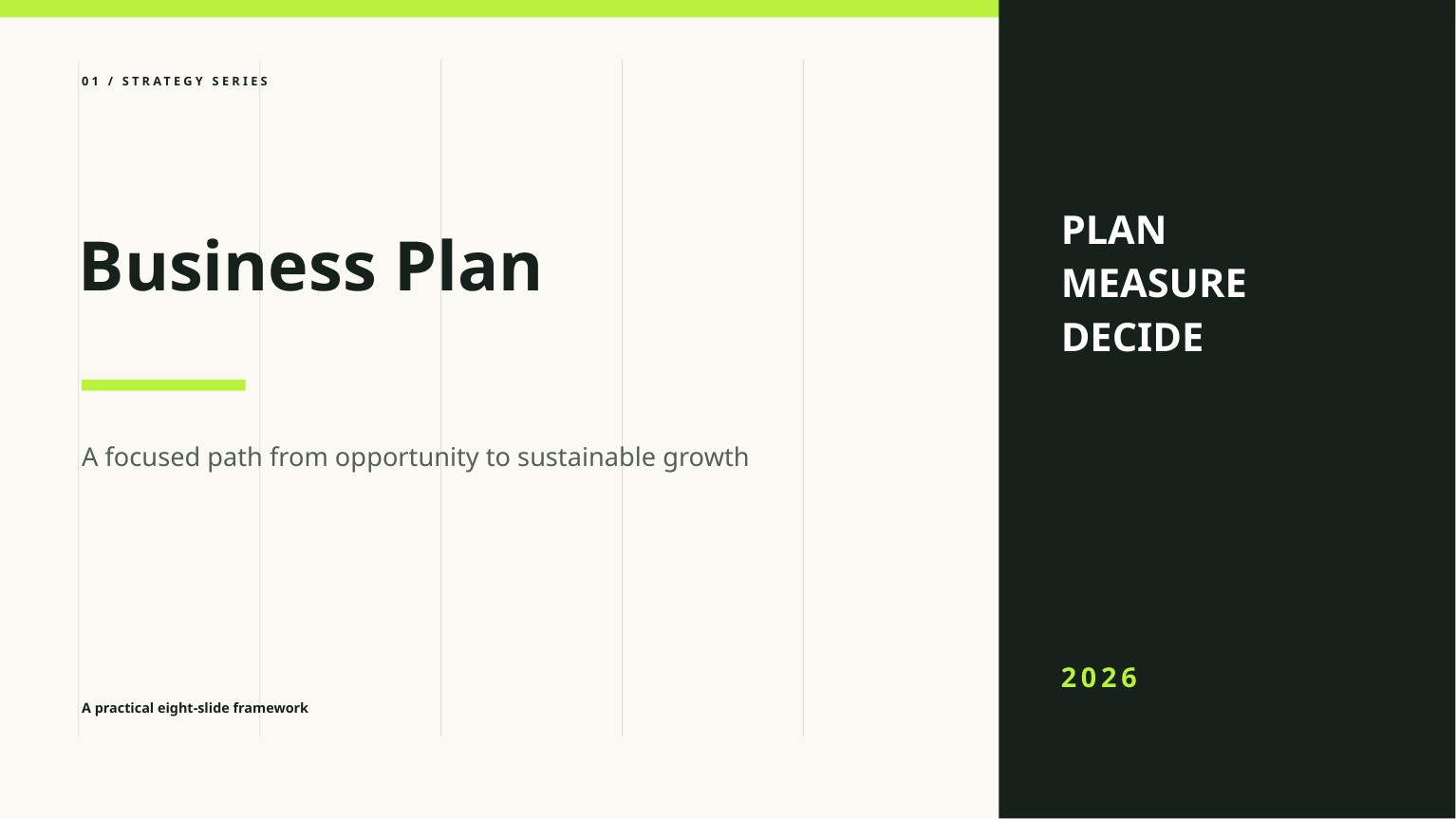
Free Business Plan PowerPoint Template
A clean, editable business plan deck for presenting the opportunity, market, model, go-to-market strategy, operations, and financial outlook.

Free Startup Pitch Deck PowerPoint Template
An editable startup pitch deck template built around a concise problem, solution, market, traction, business model, competition, and funding story.
Frequently asked questions
Is this Yellow Lesson Plan PowerPoint template free?+
Yes. You can download and use it in personal or commercial presentations without creating an account. You may not resell or redistribute the standalone template file.
Can I edit every slide in PowerPoint?+
Yes. The text, shapes, colors, and layout elements are native editable PowerPoint objects. Sample facts and figures must be replaced with your own verified information.
Does the template work in Google Slides and Keynote?+
Both applications can import PPTX files, but fonts and spacing can change. Review every slide after importing and before presenting.