Free Generative AI Seminar PowerPoint Template
A generative AI seminar deck for explaining the task, model interaction, grounding, evaluation, human review, risk controls, adoption plan, and discussion.
Eight layouts included
Click any slide to inspect it at a larger size.
A practical structure you can make your own
This free generative AI seminar PowerPoint template helps educators and technical teams explain responsible use through a concrete workflow. Eight editable slides cover the task, model interaction, grounding, evaluation, human review, risk controls, adoption plan, and discussion. Its original prompt-lab visual system combines indigo, lilac, lime, black, conversation tiles, token meters, and evidence locks built from native PowerPoint shapes. It makes no model-performance claims and reproduces no reference gradients, futuristic graphics, icons, diagrams, wording, fonts, or layouts.
Best for
- AI literacy seminars
- Responsible AI training
- Technical briefings
- Workflow pilots
Original design with a transparent creation process
Built from a blank canvas with native PowerPoint shapes and system fonts, then manually checked for readability, contrast, overflow, and editability. No source-template assets are included.
A complete eight-slide story
Ready to build your presentation?
Download the editable file now, or use AI to adapt the structure to your content.
Related presentation templates
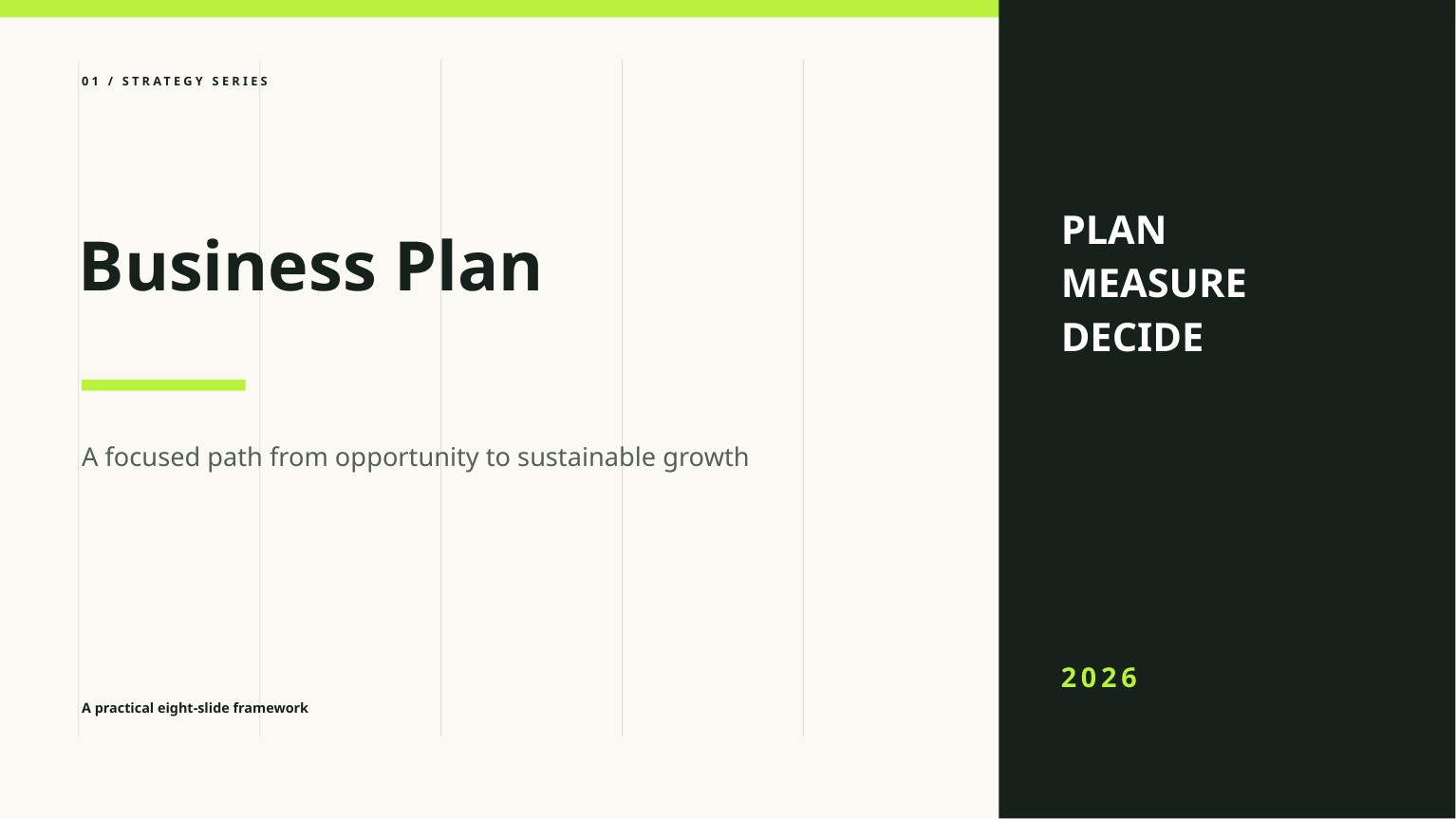
Free Business Plan PowerPoint Template
A clean, editable business plan deck for presenting the opportunity, market, model, go-to-market strategy, operations, and financial outlook.

Free Startup Pitch Deck PowerPoint Template
An editable startup pitch deck template built around a concise problem, solution, market, traction, business model, competition, and funding story.
Frequently asked questions
Is Generative AI Seminar free to download?+
Yes. The PPTX can be downloaded without signing up and used in personal or commercial presentations under the template license.
Can every slide be edited?+
Yes. Text, colors, shapes, and layout elements are native PowerPoint objects. Replace the English placeholder content and sample figures with your own verified information.
How was this template created and reviewed?+
FreeAIPPT designed it from a blank 16:9 canvas using native shapes and system fonts, then manually reviewed all eight slides for readability, contrast, overflow, and editability.