Free Field Observation Geography Lesson PowerPoint Template
A geography lesson plan for moving from observation and mapping questions to evidence, explanation, field practice, assessment and reflection.
Eight layouts included
Click any slide to inspect it at a larger size.
A practical structure you can make your own
The field-note coordinate system uses clay, river blue and parchment with editable survey marks, specimen cards and route cues. It contains no maps, photographs or paper assets from the reference. Eight slides support a coherent lesson sequence with original classroom placeholder content.
Best for
- Secondary geography
- Field-study preparation
- Environmental science
- Teacher training
Original design with a transparent creation process
Built from a blank canvas with native PowerPoint shapes and system fonts, then manually checked for readability, contrast, overflow, and editability. No source-template assets are included.
A complete eight-slide story
Ready to build your presentation?
Download the editable file now, or use AI to adapt the structure to your content.
Related presentation templates
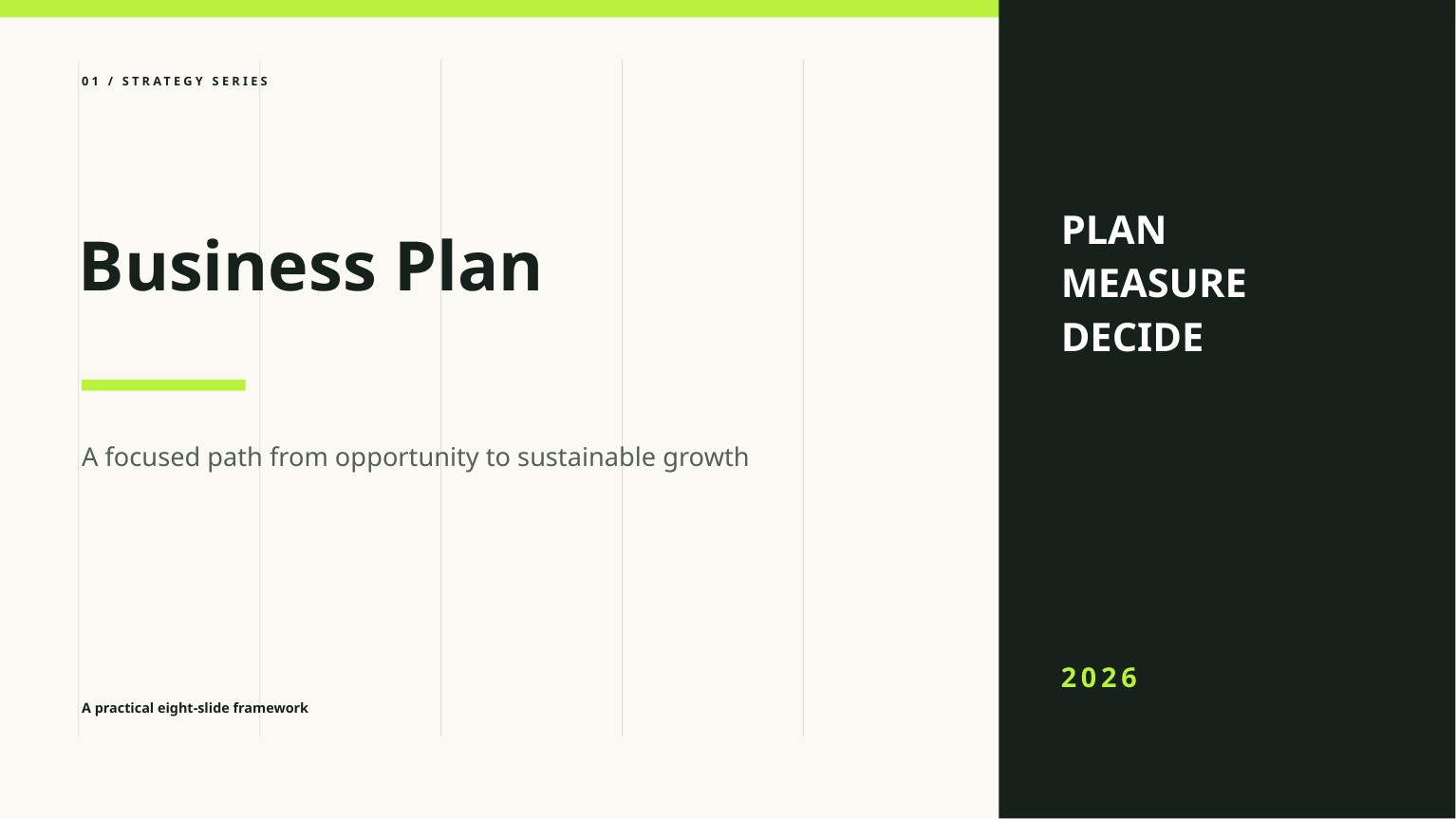
Free Business Plan PowerPoint Template
A clean, editable business plan deck for presenting the opportunity, market, model, go-to-market strategy, operations, and financial outlook.

Free Startup Pitch Deck PowerPoint Template
An editable startup pitch deck template built around a concise problem, solution, market, traction, business model, competition, and funding story.
Frequently asked questions
Is Field Observation Geography Lesson free to download?+
Yes. The PPTX can be downloaded without signing up and used in personal or commercial presentations under the template license.
Can every slide be edited?+
Yes. Text, colors, shapes, and layout elements are native PowerPoint objects. Replace the English placeholder content and sample figures with your own verified information.
How was this template created and reviewed?+
FreeAIPPT designed it from a blank 16:9 canvas using native shapes and system fonts, then manually reviewed all eight slides for readability, contrast, overflow, and editability.