Free AI Governance PowerPoint Template
An AI governance template for aligning system inventory, risk tiers, decision rights, lifecycle gates, evidence, monitoring, incident response, and rollout priorities.
Eight layouts included
Click any slide to inspect it at a larger size.
A practical structure you can make your own
This free AI governance PowerPoint template helps cross-functional teams turn principles into an inspectable operating model. Eight editable slides cover the governance mandate, AI inventory, risk classification, decision rights, lifecycle gates, required evidence, monitoring and incidents, and a phased rollout. Its original decision-gate visual language uses warm white, black, electric orange, cobalt, check rails, and approval cards made with native PowerPoint shapes. It does not reproduce the reference roadmap's pillars, initiative cards, content, example, timeline, icons, or layout.
Best for
- AI governance programs
- Responsible AI reviews
- Technology leadership
- Risk committees
Original design with a transparent creation process
Built from a blank canvas with native PowerPoint shapes and system fonts, then manually checked for readability, contrast, overflow, and editability. No source-template assets are included.
A complete eight-slide story
Ready to build your presentation?
Download the editable file now, or use AI to adapt the structure to your content.
Related presentation templates
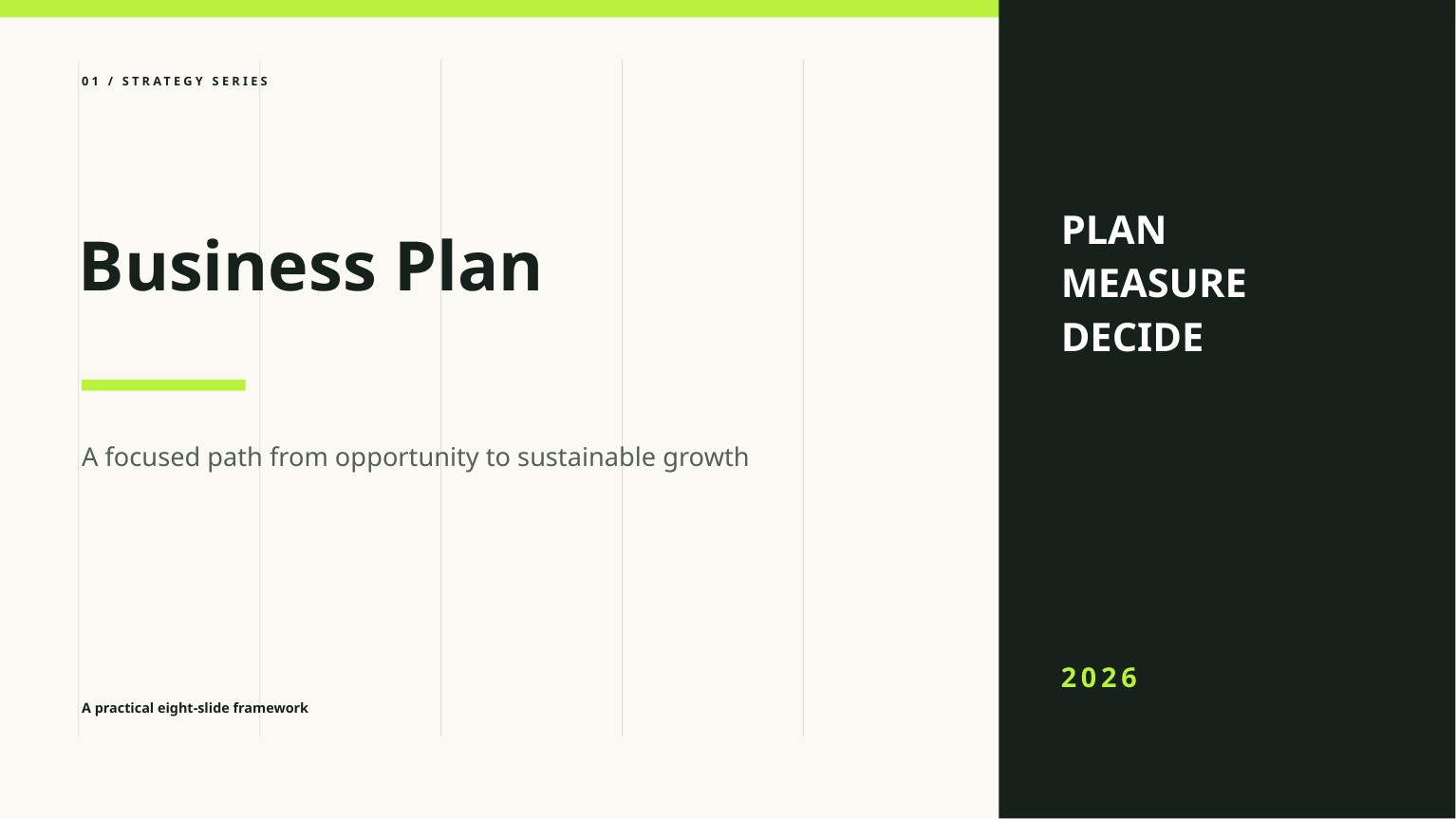
Free Business Plan PowerPoint Template
A clean, editable business plan deck for presenting the opportunity, market, model, go-to-market strategy, operations, and financial outlook.

Free Startup Pitch Deck PowerPoint Template
An editable startup pitch deck template built around a concise problem, solution, market, traction, business model, competition, and funding story.
Frequently asked questions
Is AI Governance free to download?+
Yes. The PPTX can be downloaded without signing up and used in personal or commercial presentations under the template license.
Can every slide be edited?+
Yes. Text, colors, shapes, and layout elements are native PowerPoint objects. Replace the English placeholder content and sample figures with your own verified information.
How was this template created and reviewed?+
FreeAIPPT designed it from a blank 16:9 canvas using native shapes and system fonts, then manually reviewed all eight slides for readability, contrast, overflow, and editability.